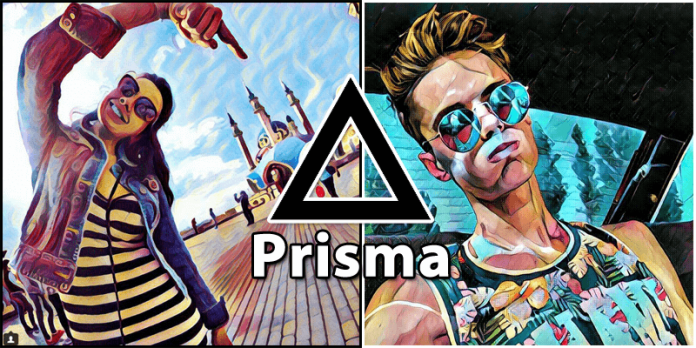
Many of us might have heard about the very popular photo editing app Prisma, basically it transforms your photos into awesome artworks which is already been quite popular on iOS. But, now it is available to all Android Users via Google Play Store.
Now Prisma App Is Available To All Android Users Via Google Play Store
It’s probably one of the most popular application of the moment, popular Prisma photo-editing app is out of beta and is now available for all Android users via the Google Play Store. The popular Prisma photo-editing app was released yesterday for the Google platform and already has a 4.6 rating (on a scale from 0 to 5).
Now many of you might be thinking that what is the Prisma app actually, basically the Prisma app is a photo-editing app which transforms your photos into artworks using the styles of famous artists: Munk, Picasso as well as world famous ornaments and patterns. A unique combination of neural networks and artificial intelligence helps you turn memorable moments into timeless art”.
So, now it’s time to turn your photos into awesome artworks!!!…
One of the apps Prisma that has great prominence in a state on the App Store. This app is actually created by the Prism Lab, which uses artificial intelligence to apply a wide range of effects (about 36), which allow you to turn any photo into an authentic work of art, using styles of famous artists such as Van Gogh, Picasso, Levitan, etc.
After much anxiety, Prisma Lab finally released the application Prisma for the Android version. As the photo-editing app Prisma was first launched on iOS, hence, quickly gained much popularity and gone viral as well, just because of its hand sketch-like effects.
Basically, users get 36 filters inside the Prisma app and to use those filters users just need to simply click an image from their device (front or rear cameras) and then have to choose the desired effects they want to apply and you are done. Now you can save the “work of art” in your device and can also share on various social networks like Facebook, Instagram etc.